Resource links
Curate external websites, apps and social media links for the field app.
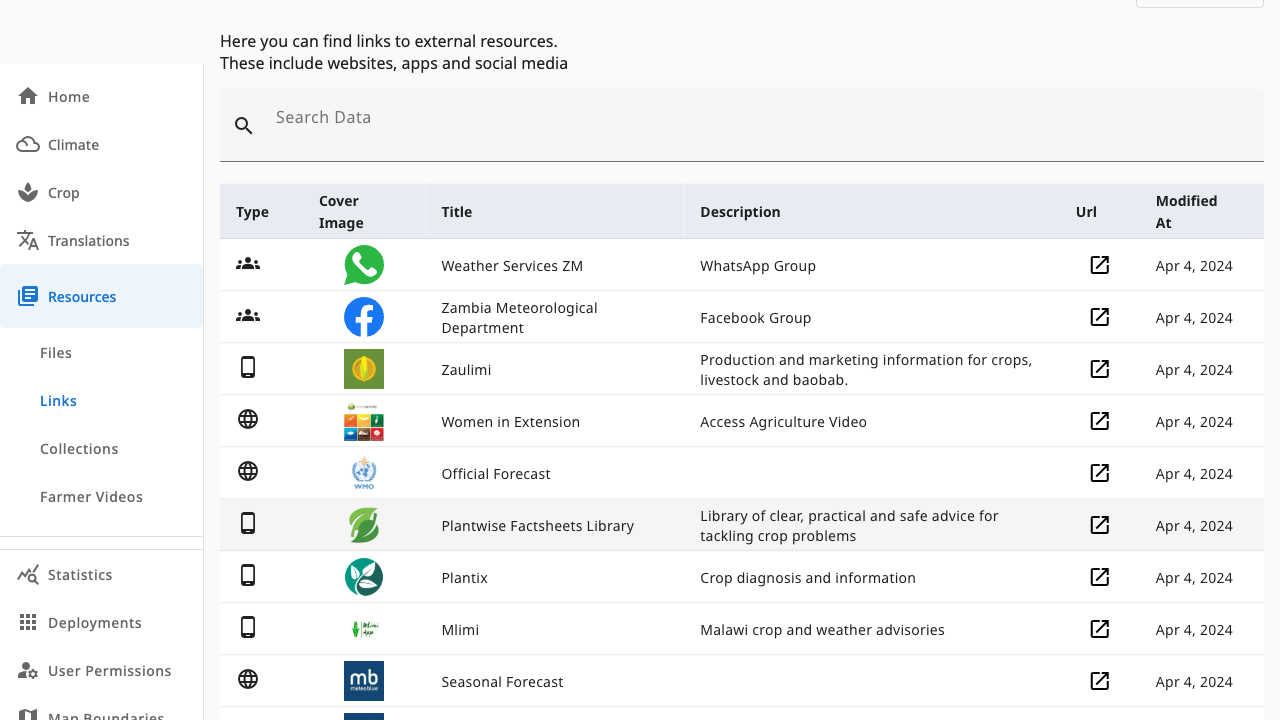
Resources → Links collects external destinations — websites, mobile apps, WhatsApp groups and social pages — shown inside the field app.
 123
- 1Search Data — filter by title
- 2Link table — type, cover, title and description; click a row to edit
- 3URL buttons open the destination in a new tab
Add Link (resources.editor) sits at the top of the page above the
visible area — scroll up to register a new URL.
Link types
The type icon tells farmers what to expect: social (groups and pages), web (sites and services) or app (store listings). Each row shows the title, a short description, the URL and when it was last modified.
Adding or editing a link
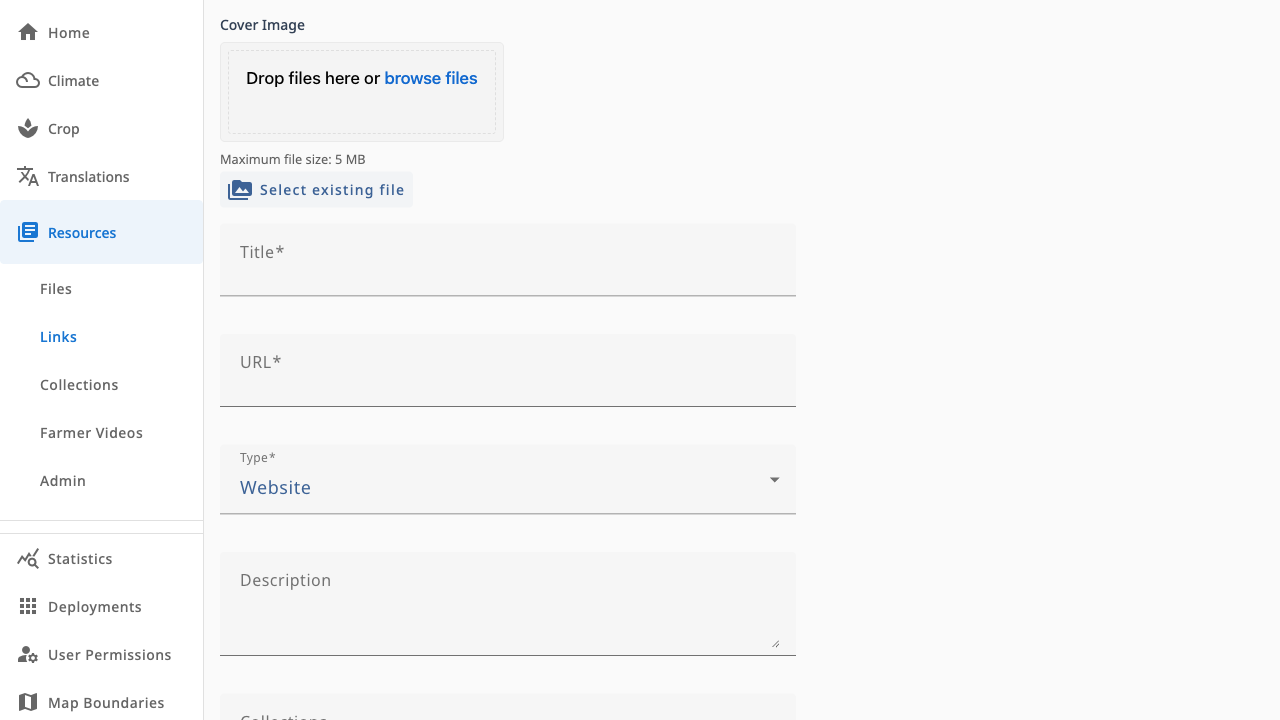
Add Link (or click a row) opens the link editor (resources/links/create
for new links, resources/links/:id when editing an existing row). The form
asks for a Cover Image, Title, URL (validated as a web address),
Type and Description, plus which Collections the link belongs to.
Save to publish it to the list.
 123
- 1Cover image — thumbnail shown in lists
- 2Title (required) — display name in the field app
- 3URL (required) — the destination address (validated as a web address)
Links point outward — unlike files, they need connectivity to open. Prefer file resources for content farmers must reach offline.
Who can do what
resources.editor).resources.admin).