Resources
Collections
Group files and links into nested collections for the field app.
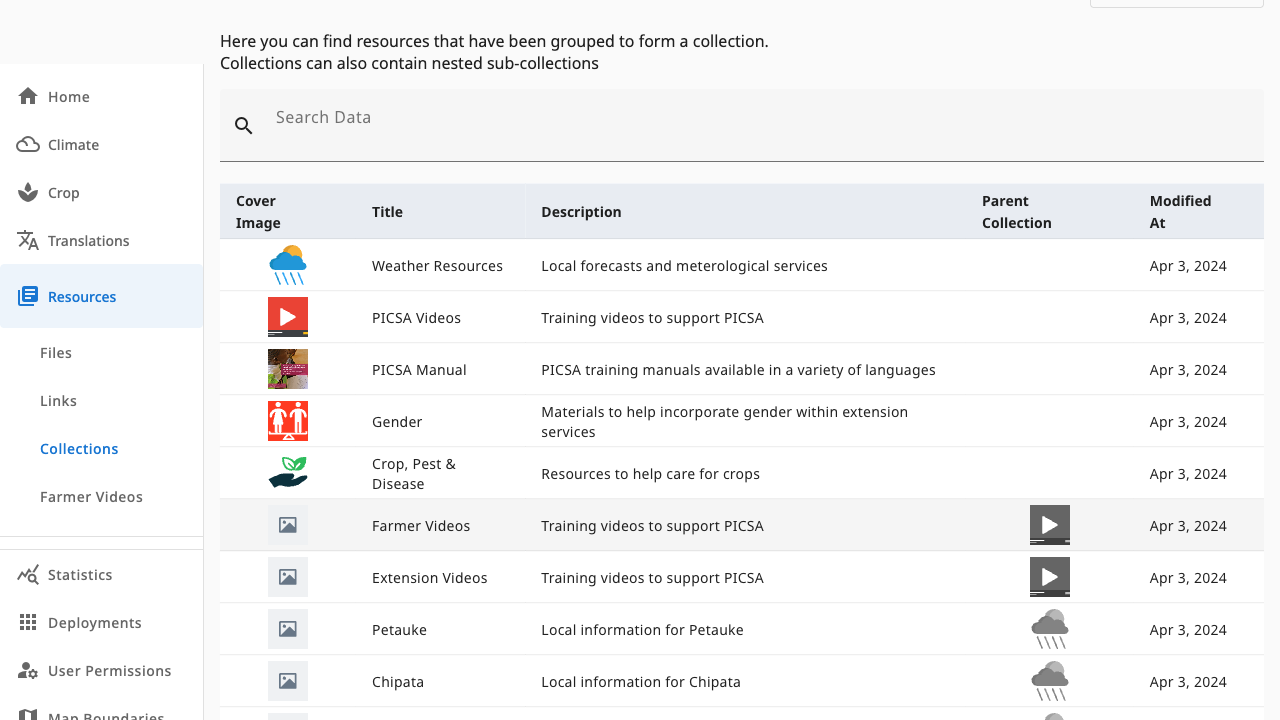
Resources → Collections groups files, links and other collections into named sets — for example Weather Resources or the PICSA Manual — which can nest inside parent collections.
 123
- 1Add Collection — create a new named set
- 2Search — filter by title
- 3Files and Links counts — click a row to open the collection
The table shows each collection's cover, title and description, how many files and links it holds, and when it was last modified. Clicking a collection cover elsewhere (for example in the Files list) jumps here.
Who can do what
EveryoneBrowse the list and open any collection — without an editing role the editor opens read-only as View Collection.
EditorSee Add Collection and create collections or edit any existing one (
resources.editor) — see Managing collections.AdminAdditionally delete any collection, and audit field-app data in Resources data admin (
resources.admin).