Variety details
View and edit a variety, and manage its per-location water requirements.
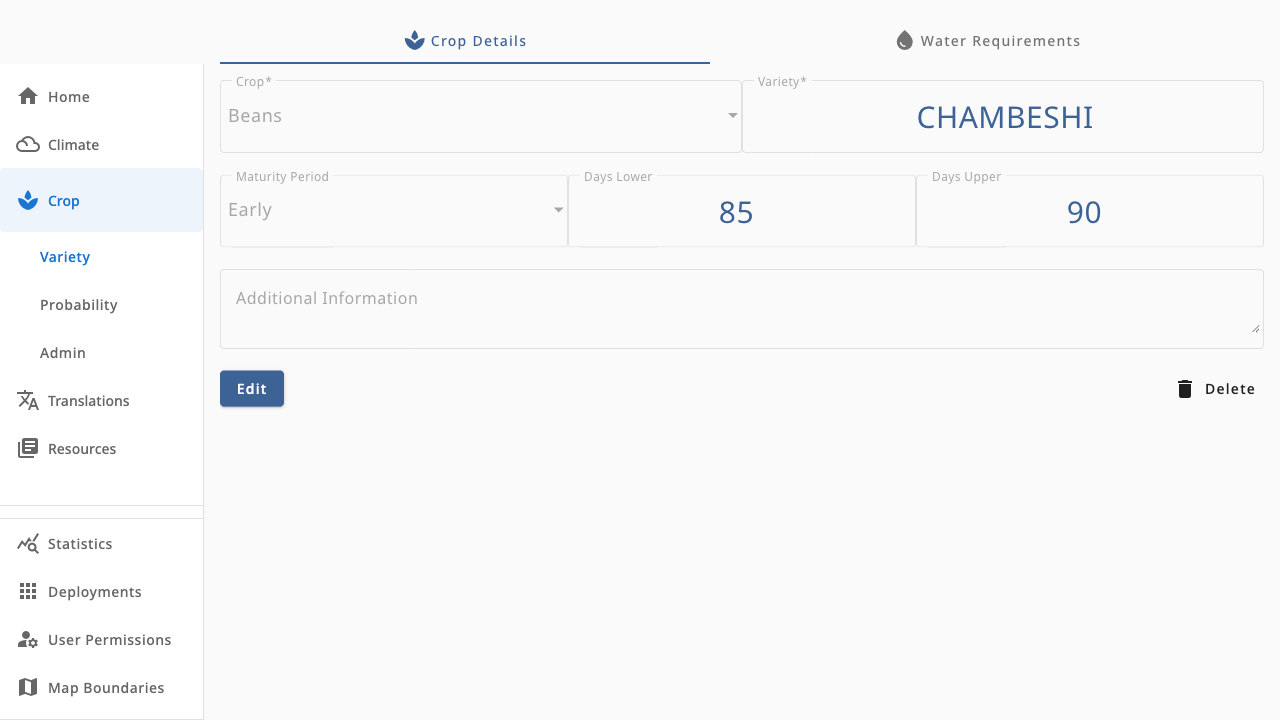
A variety's page has two tabs: Crop Details (the base record) and Water Requirements (per-location data that powers probability tables).
 1234
1234- 1Edit — unlock the form to change maturity, day range or notes
- 2Delete — remove the variety after confirmation
- 3Water Requirements tab — per-location table with a New Entry button
- 4Crop Details form — crop and variety name lock after creation to preserve the record ID
Crop details
The base record holds the crop, variety name, maturity period and days-lower/upper range. After creation the crop and variety name are locked (they form the record's ID); other fields remain editable. Admins create new records from Crop → Variety → Add Variety.
Water requirements
Each row maps the variety to one location with the millimetres of water it needs over its growing period. Adding an entry is a two-step dialog: pick the location, then enter the water requirement. These values feed the probability tables, so a variety with no water requirements will show a coverage warning there.
Bulk-editing many water requirements at once is easier with CSV import — see Crop data admin.