Resource links
Curate external websites, apps and social media links for the field app.
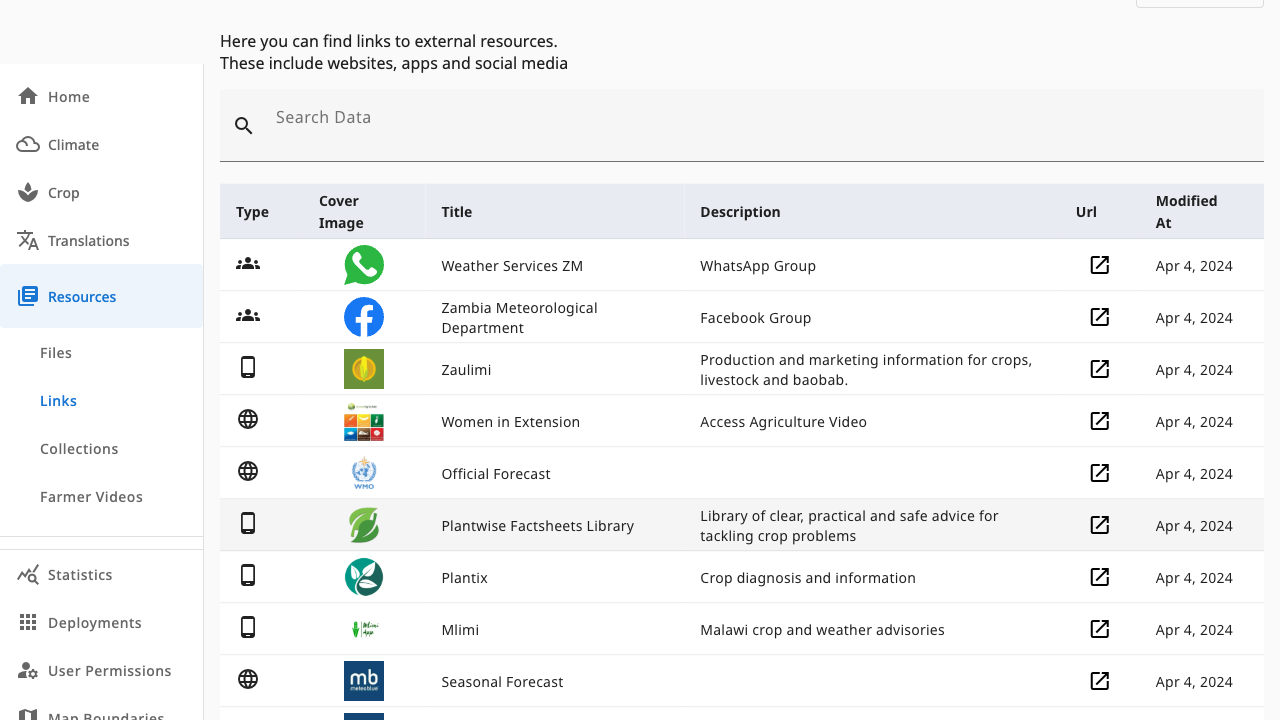
Resources → Links collects external destinations — websites, mobile apps, WhatsApp groups and social pages — shown inside the field app.
 123
123- 1Search — filter by title
- 2Link table — type icon, cover, title, description and URL; click a row to edit
- 3URL buttons open the destination in a new tab
Add Link (resources.admin) sits at the top of the page above the
visible area — scroll up to register a new URL.
Link types
The type icon tells farmers what to expect: social (groups and pages), web (sites and services) or app (store listings). Each row shows the title, a short description, the URL and when it was last modified.
Adding or editing a link
Add Link (or click a row) opens the link editor, which currently asks only for the URL (validated as a web address) alongside the country. Save to publish it to the list.
Links point outward — unlike files, they need connectivity to open. Prefer file resources for content farmers must reach offline.