Translations
Import and export translations
Bulk-load translations from spreadsheets or app JSON (admin).
Translations → Import (requires translations.admin) moves translations in bulk instead of one row at a time.
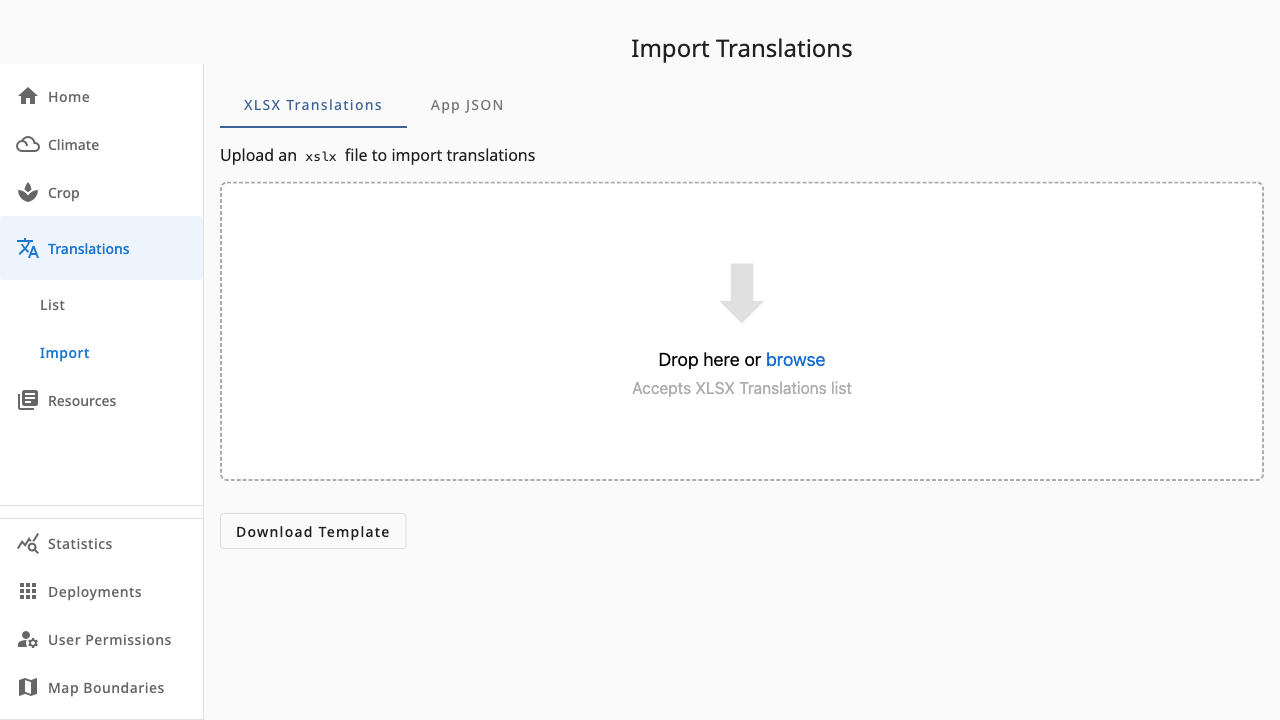 1234
1234- 1XLSX Translations tab — spreadsheet-based import
- 2App JSON tab — raw app-format import and full export
- 3Drop zone — drop a file or browse to upload
- 4Download Template — the correctly-shaped spreadsheet to fill in
XLSX workflow
- Download Template to get the expected columns.
- Fill in translations offline and drop the file (or browse to it).
- Review and confirm the import; strings then appear in the translations list.
App JSON workflow
Drop app-format JSON files to import them directly, or use Export All to download everything — useful for backups or moving content between environments.