Account
Your profile
Switch deployments, review permissions and manage your account.
Profile (from the avatar menu) gathers everything about you: which deployments you belong to, what you may do, your personal details and account actions.
 1234
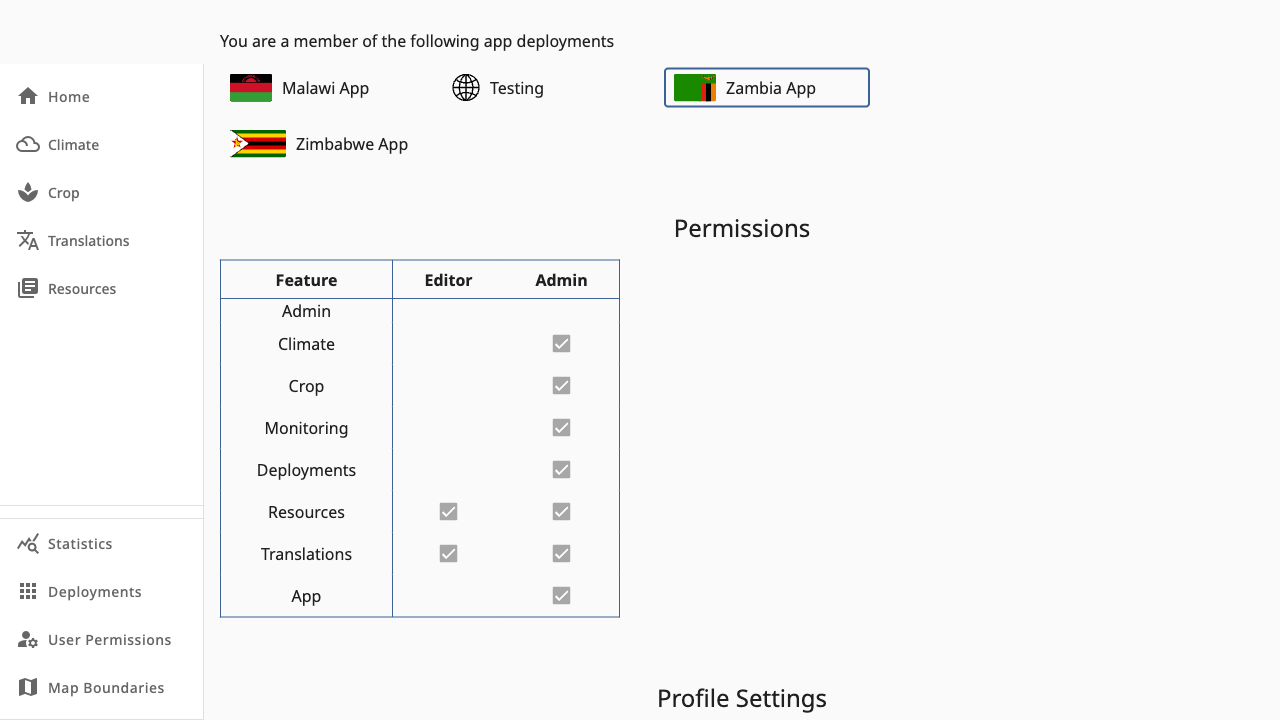
1234- 1Deployments — every app you belong to; click one to switch context
- 2Permissions — read-only matrix of your roles per feature
- 3Role checkboxes — ticks show your editor/admin access per feature
- 4Profile Settings — name, country, organisation and email verification (scroll for Account Management)
Sections
- Deployments — all deployments you can access. Selecting one switches context (same as the header picker).
- Permissions — your roles per feature, shown as disabled checkboxes. To change them, ask a
deployments.admin— see User Permissions. - Profile Settings — full name, country and organisation, saved with Save Profile. Unverified emails show a Verify action that resends the verification mail. A password-reset page lives alongside for changing your password.
- Account Management — request a GDPR data export or account deletion through support.
New to a second country? Once an admin adds you to that deployment it appears in section 1 — no new account needed.